
 Sign in to Mod The Sims
 Basic "Bottomful Floors" for Easy Popcorn Ceilings
 Basic "Bottomful Floors" for Easy Popcorn Ceilings
MTS has all free content, all the time. Donate to help keep it running.
SCREENSHOTS
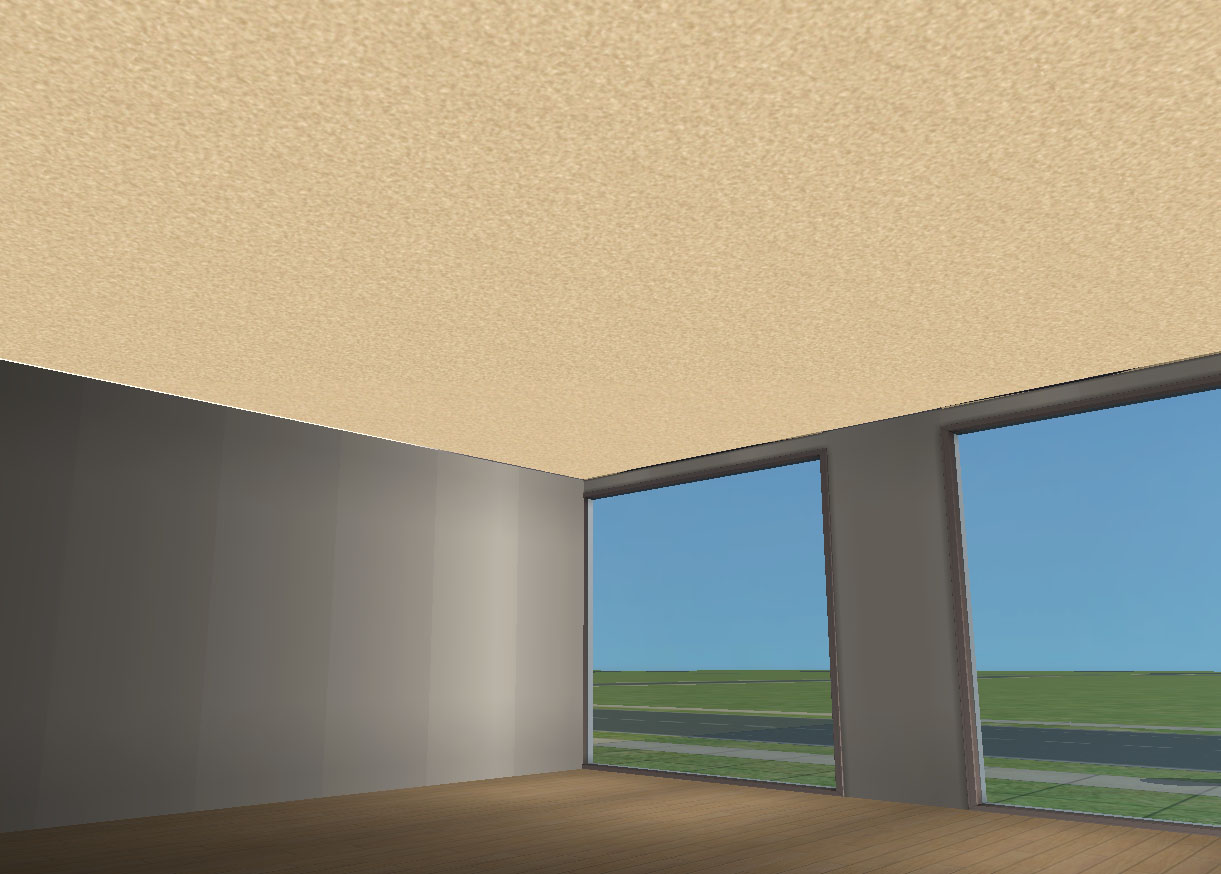
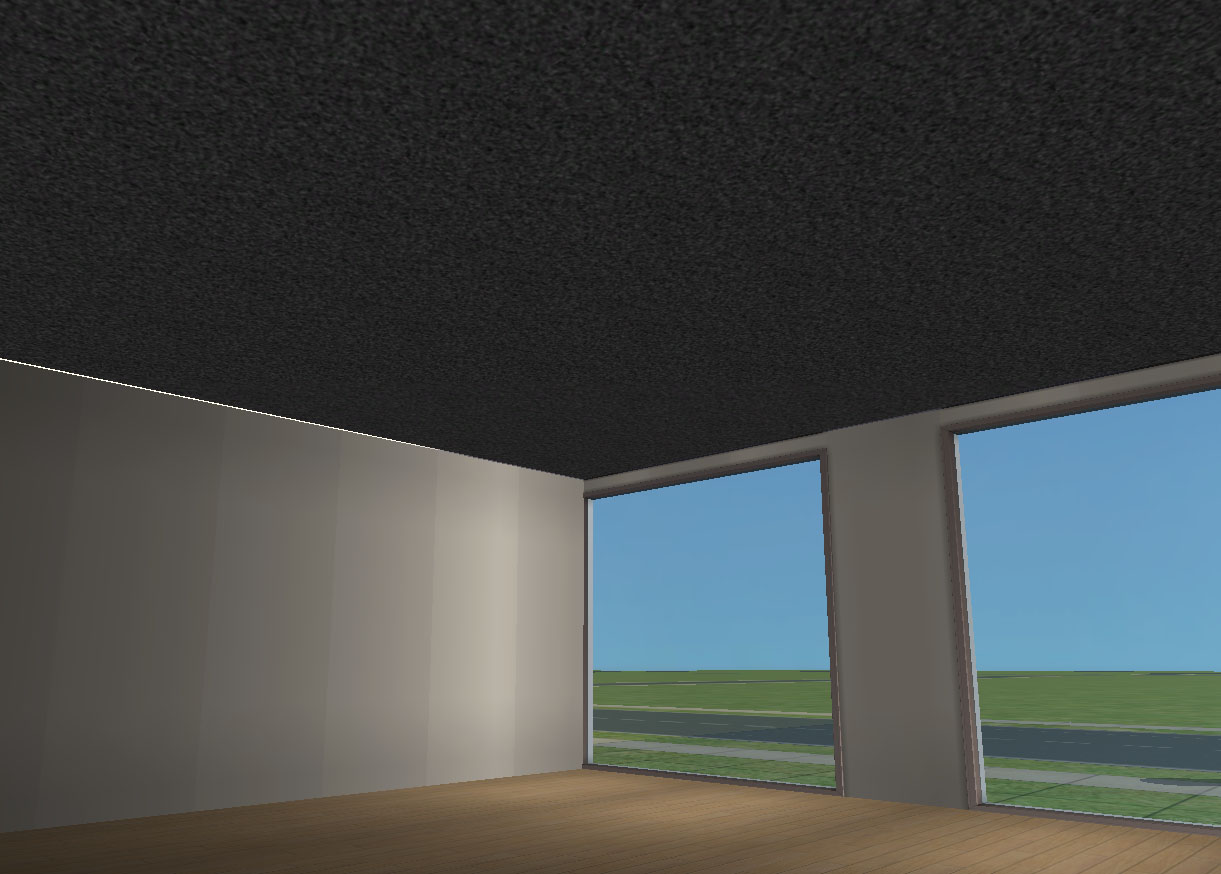
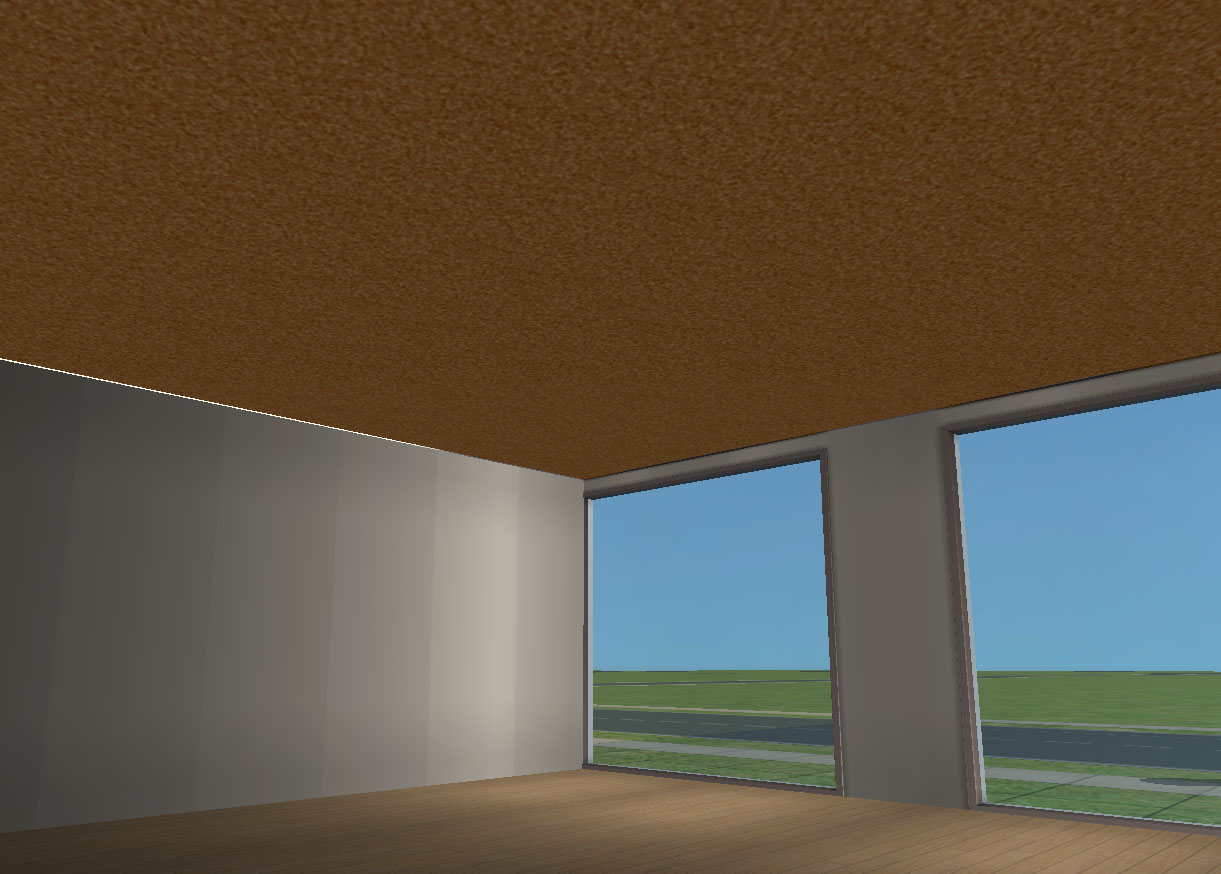
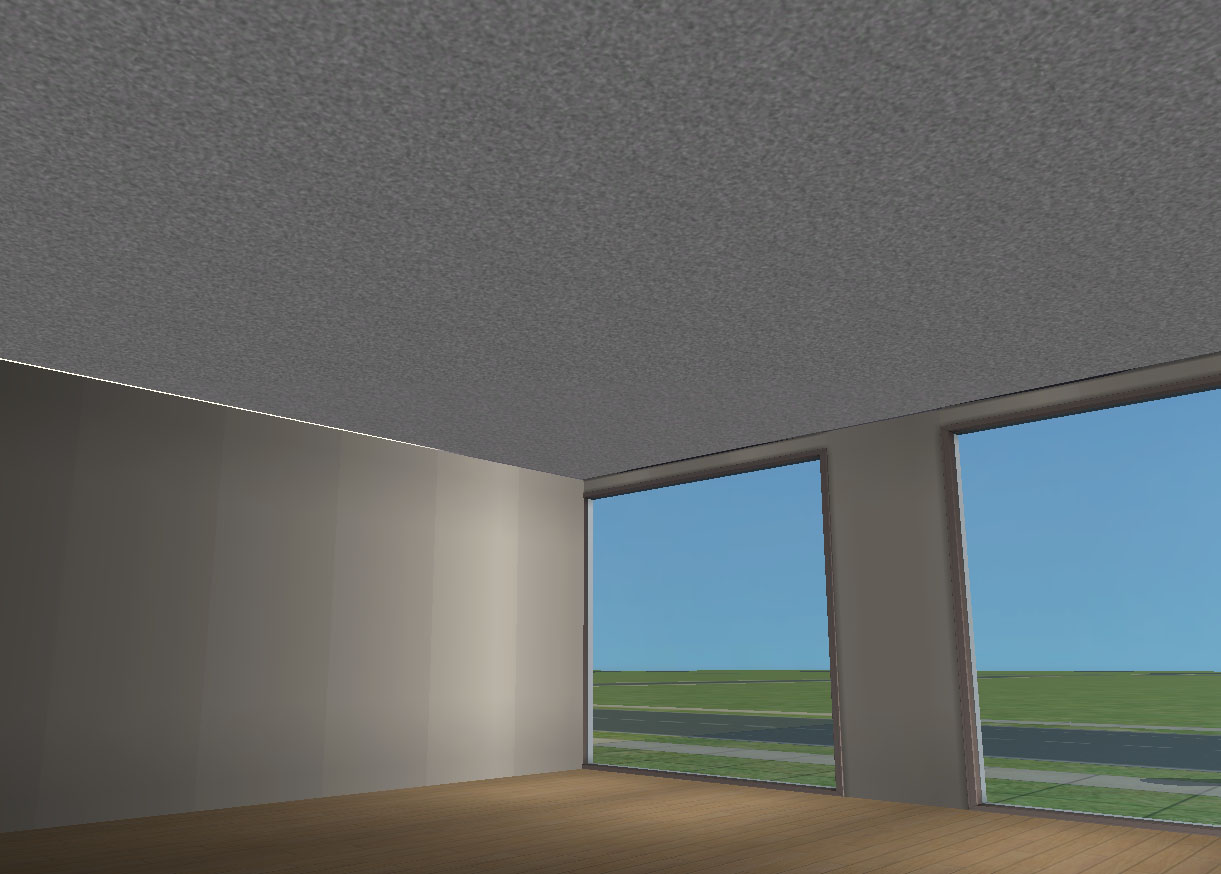
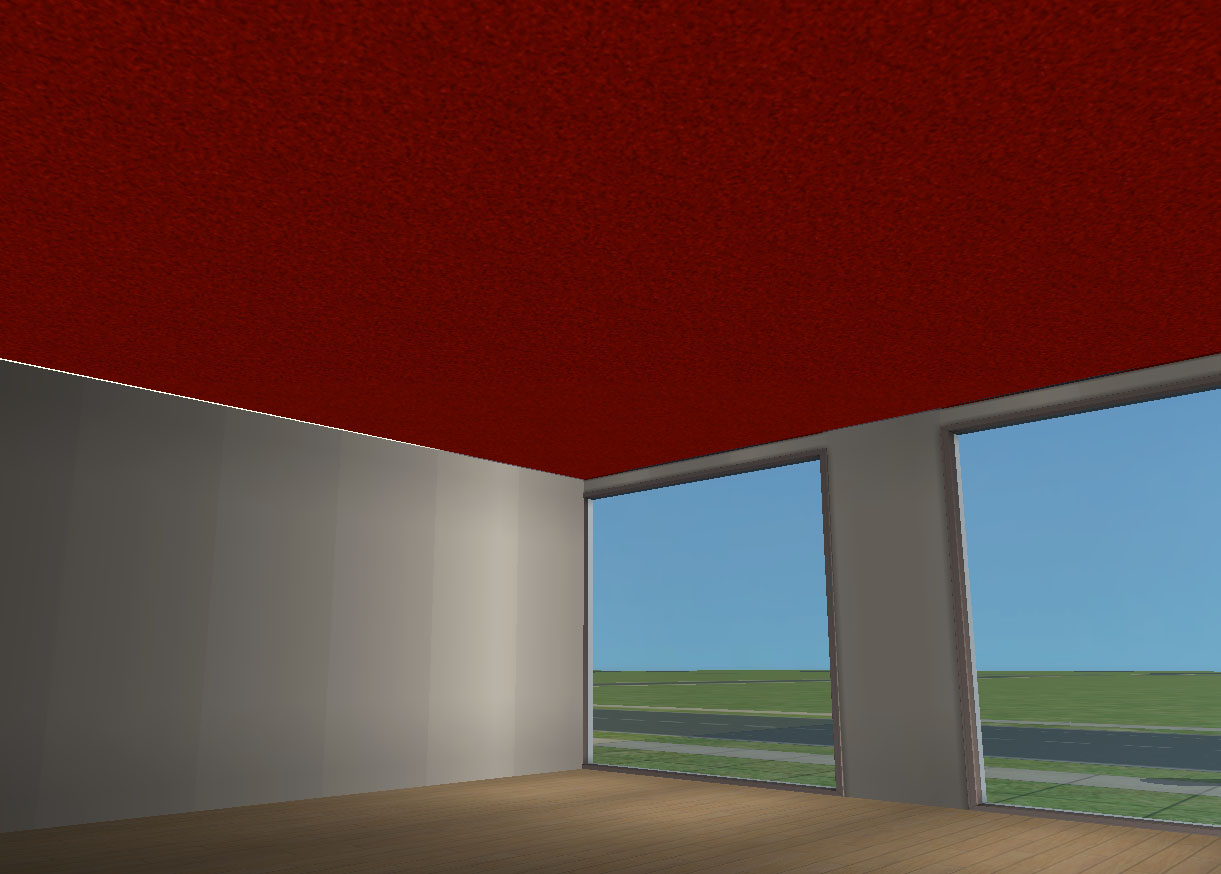
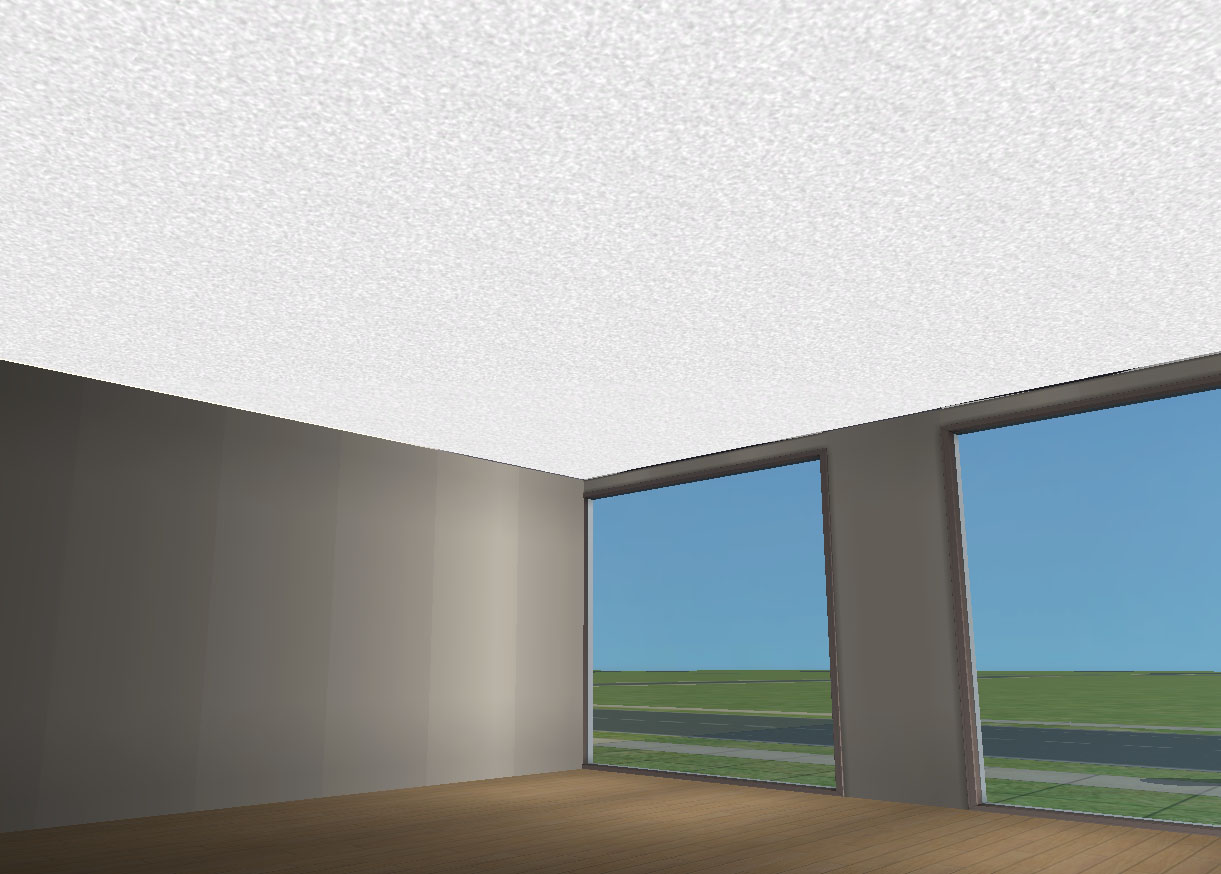
ceiling-beige.jpg - width=1221 height=874
ceiling-black.jpg - width=1221 height=874
ceiling-brown.jpg - width=1221 height=874
ceiling-grey.jpg - width=1221 height=874
ceiling-red.jpg - width=1221 height=874
ceiling-white.jpg - width=1221 height=874
Picked Upload!
This is a picked upload! It showcases some of the best talent and creativity available on MTS and in the community.


Uploaded: 21st Dec 2006 at 9:31 PM
Updated: 4th May 2007 at 11:45 AM - Removing old TOU
Updated: 4th May 2007 at 11:45 AM - Removing old TOU
Though I love the real ceiling tiles available on this site by jgwhiteus for gameplay, the fact that you have to place them one by one by one drives me nuts when I just want to slap down a ceiling for some pics. They also don't go above stages, nor can you place stages once you have placed individual ceiling tiles, so taking pics with the ceiling right above on a stage is nigh-impossible.
They come in black, grey, white, beige, brown, and, because my self-sim always lives in a blood red house, blood red too.
These are floor tiles, so you can cover an entire area quickly and easily. Please note that these do have certain limitations, though:
Thanks to:
Niol, for the original info on how to make bottomful floors. Thanks, Niol!
They come in black, grey, white, beige, brown, and, because my self-sim always lives in a blood red house, blood red too.
These are floor tiles, so you can cover an entire area quickly and easily. Please note that these do have certain limitations, though:
- They are not meant for normal gameplay, just picture taking. If you want ceilings for normal gameplay or on a lot you tend to play, not just a set, try jgwhiteus's ceiling tiles, which you can find on this site. I did a basic recolour set, too. You can find them under my profile.
- The floors are considered part of the floor above. This means that they will be lit as the floor above. If enclosed, they tend to be quite dark, so for best results, you don't want to have an enclosed room above.
- If you have walls on the floor above they will show as a small line across the ceiling.
- You will need to make sure you are actually "on" the floor that has these tiles or above for them to show up. That means if you are taking pictures on the ground level and have the tiles covering the floor of the next level up, you will need to hit Page Up to "go up" to the next level when in Tab/Cameraman mode.
- They show up under carpets, as they look, well, just like how I do carpets. But they're meant to be popcorn ceilings. You can use them as normal floors but as I said before, enclosed they are quite dark.
Thanks to:
Niol, for the original info on how to make bottomful floors. Thanks, Niol!
| Filename | Size | Downloads | Date | |||||
|
BottomfulFloorCeilings.rar
Size: 164.1 KB · Downloads: 9,876 · 21st Dec 2006 |
164.1 KB | 9,876 | 21st Dec 2006 | |||||
| For a detailed look at individual files, see the Information tab. | ||||||||
Key:
- - File was updated after upload was posted
Install Instructions
Basic Download and Install Instructions:
1. Download: Click the download link to save the .rar or .zip file(s) to your computer.
2. Extract the zip, rar, or 7z file
3. Place in Downloads Folder: Cut and paste the .package file(s) into your Downloads folder:
Need more information?
1. Download: Click the download link to save the .rar or .zip file(s) to your computer.
2. Extract the zip, rar, or 7z file
3. Place in Downloads Folder: Cut and paste the .package file(s) into your Downloads folder:
- Origin (Ultimate Collection): Users\(Current User Account)\Documents\EA Games\The Sims™ 2 Ultimate Collection\Downloads\
- Non-Origin, Windows Vista/7/8/10: Users\(Current User Account)\Documents\EA Games\The Sims 2\Downloads\
- Non-Origin, Windows XP: Documents and Settings\(Current User Account)\My Documents\EA Games\The Sims 2\Downloads\
- Mac: Users\(Current User Account)\Documents\EA Games\The Sims 2\Downloads
- Mac x64:
/Library/Containers/com.aspyr.sims2.appstore/Data/Library/Application Support/Aspyr/The Sims 2/Downloads
Need more information?
- For a full, complete guide to downloading complete with pictures and more information, see: Game Help: Downloading for Fracking Idiots.
- Custom content not showing up in the game? See: Game Help: Getting Custom Content to Show Up.
- If you don't have a Downloads folder, just make one. See instructions at: Game Help: No Downloads Folder.
Also Thanked - Users who thanked this download also thanked:
About Me
Whatever.
More Downloads BETA
Here are some more of my downloads: