
 Sign in to Mod The Sims
 Casual 2 Dark
 Casual 2 Dark
MTS has all free content, all the time. Donate to help keep it running.
SCREENSHOTS



Casual2Dark Inline Promo.jpg - width=600 height=450
Casual2Dark-Casual Promo.jpg - width=1105 height=827
Casual2Dark-Dark Promo.jpg - width=1104 height=827
Casual2Dark - Set 1 Promo.jpg - width=1280 height=610
Casual2Dark - Set 2 Promo.jpg - width=1280 height=610
Casual2Dark - Set 3 Promo.jpg - width=1280 height=610
Casual2Dark - Set 4 Promo.jpg - width=1280 height=610
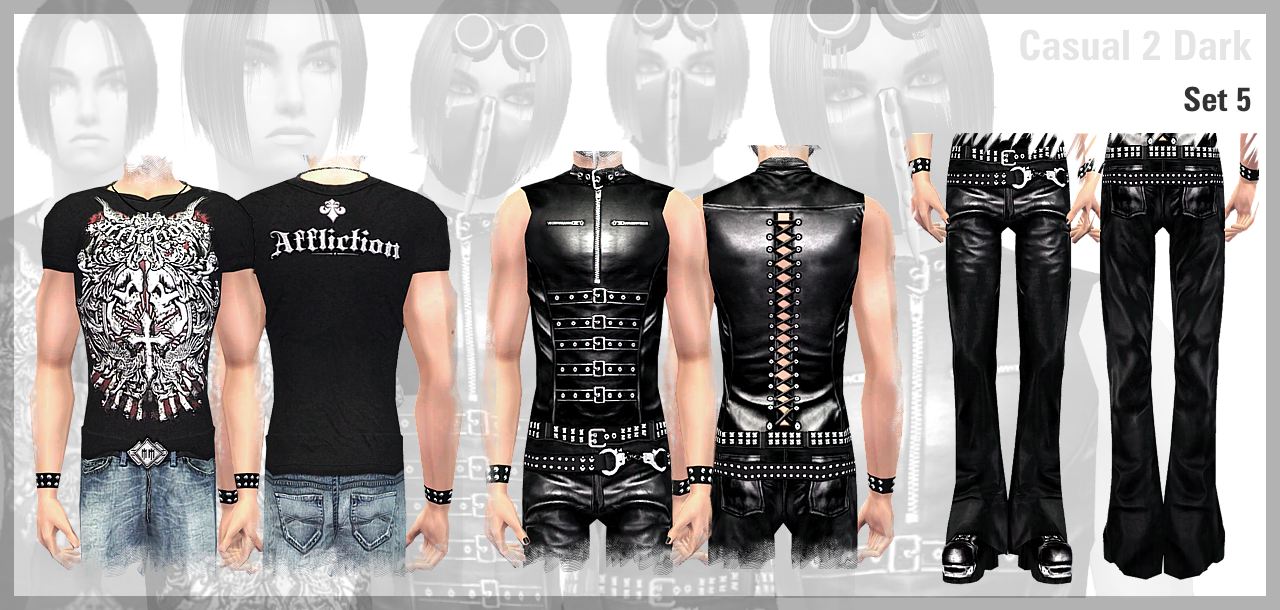
Casual2Dark - Set 5 Promo.jpg - width=1280 height=610
Featured Upload!
This is a featured upload! It showcases the best talent and creativity available on MTS and in the community. 




Hello everybody...
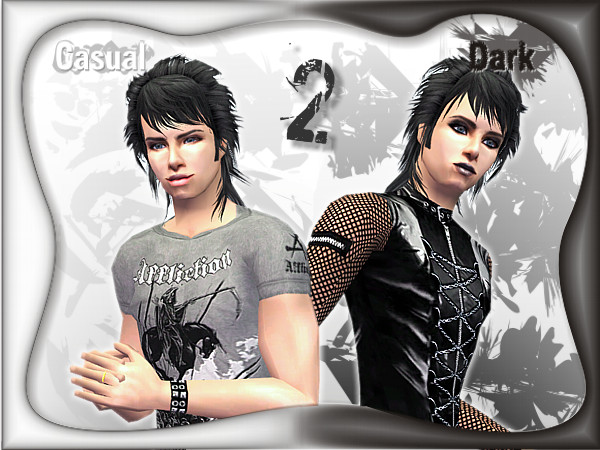
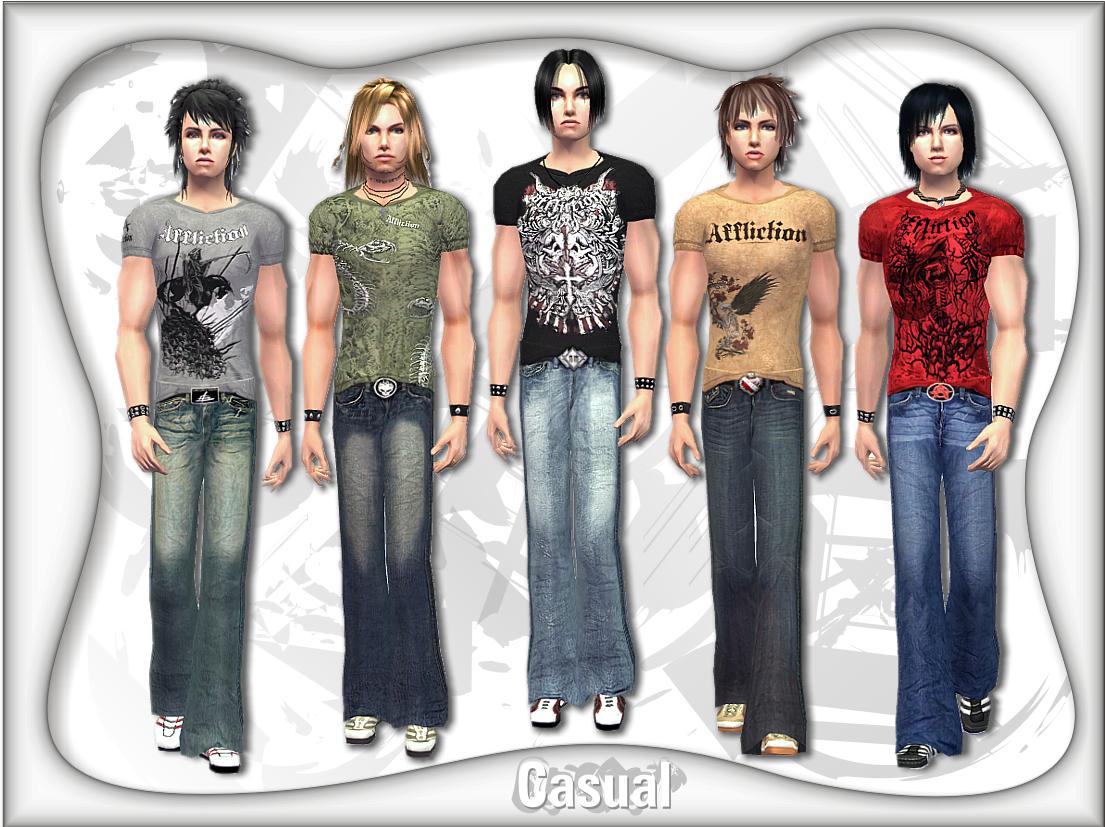
This is my latest creation that I would like to share with you guys here. I bring you both casual and dark clothing especially for your male simmies to wear. As for the casual, you'll need mesh by RabidAngel at Sims Connection. You need to download the mesh from this clothing set named 70s Madness Day. The mesh zip is called MESH_RabidAngelamAthRetroBells.
Sims Connection (Updated Link)
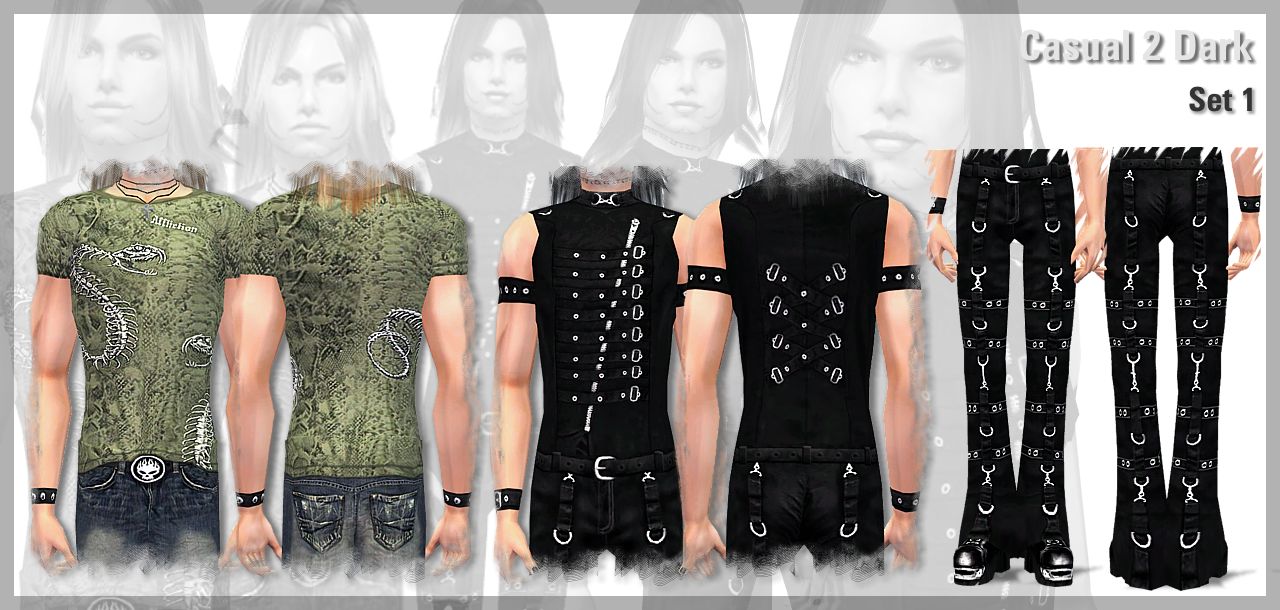
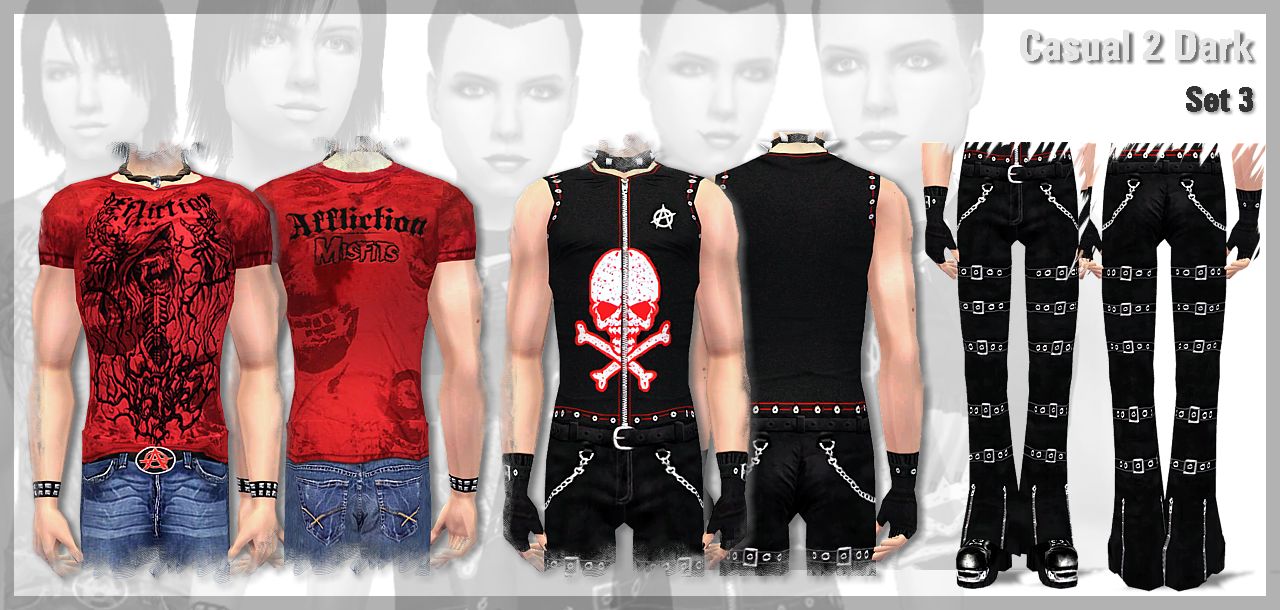
As for the darkwear, no mesh needed for the top but you'll need Q3tbo's mesh for the pants. The mesh can be found here...
Q3tbo
I've put them in a seperate downloads based on the sets shown in the attachment pics. I also made a seperate zips if you guys interested into downloading only the casual or the dark ones.
Well, there ya go...hope you guys like them. Biggest thanks for both Q3tbo and RabidAngel for the fantastic mesh.
Happy Simming guys!!!
 .
.xxNoogie666xx
-----------------------------------------------------------------------------------------------------------------------
I don't take requests but....
You may:
* Include my creation in your package sims with credit. A link back to thread is much appreciated.
* Redistribute them to any other sites that are FREE.
* Use my texture for your own personal use. You don't need my permission for this. If you're planning on uploading them, please keep the credit.
* Of course, use my skin in snapshots, movies, stories, avatars, etc...with or without credit. No permission needed.
You may not:
* Upload or redistribute my creation to any PAY-related sites.
* Use my texture for profit if you're planning on uploading them, not just Sims 2 but for another game also.
* Include my recolors of Q3tbo's meshes if you're planning to upload my stuffs outside of MTS2. I strongly suggest you to PM Q3tbo first for permission to include my recolors in your package. Respect her policy too.
-----------------------------------------------------------------------------------------------------------------------
Additional Credits:
Hairs by Raonjena, Sims2sisters, XMSims, Sims Artist Union, Seductive Sims, and Peggy.
Makeups by SimCribbling, HIM666, Corvidophile2, Bruno, Helaene, Tuulia, Icedmango, Barcelonista, Serasims and Kamikitten.
Accesories by Q3tbo, Aikea Guinea, Raonjena, Temptress and Cocosims.
This is a new mesh recolour, and means that you will need to download the particular mesh itself in order for this to show up in your game. See the Meshes Needed section or read the text for more information.
| Filename | Size | Downloads | Date | |||||
|
Noogie_Dark Set.zip
Size: 1.32 MB · Downloads: 34,562 · 25th May 2007 |
1.32 MB | 34,562 | 25th May 2007 | |||||
|
Noogie_Casual Set.zip
Size: 3.54 MB · Downloads: 35,605 · 25th May 2007 |
3.54 MB | 35,605 | 25th May 2007 | |||||
|
Noogie_Casual2Dark Set 5.zip
Size: 942.1 KB · Downloads: 21,171 · 25th May 2007 |
942.1 KB | 21,171 | 25th May 2007 | |||||
|
Noogie_Casual2Dark Set 4.zip
Size: 1,002.7 KB · Downloads: 23,130 · 25th May 2007 |
1,002.7 KB | 23,130 | 25th May 2007 | |||||
|
Noogie_Casual2Dark Set 3.zip
Size: 1,012.6 KB · Downloads: 20,698 · 25th May 2007 |
1,012.6 KB | 20,698 | 25th May 2007 | |||||
|
Noogie_Casual2Dark Set 2.zip
Size: 1,015.5 KB · Downloads: 21,369 · 25th May 2007 |
1,015.5 KB | 21,369 | 25th May 2007 | |||||
|
Noogie_Casual2Dark Set 1.zip
Size: 1,002.4 KB · Downloads: 23,421 · 25th May 2007 |
1,002.4 KB | 23,421 | 25th May 2007 | |||||
| For a detailed look at individual files, see the Information tab. | ||||||||
Key:
- - File was updated after upload was posted
Install Instructions
Basic Download and Install Instructions:
1. Download: Click the download link to save the .rar or .zip file(s) to your computer.
2. Extract the zip, rar, or 7z file.
3. Place in Downloads Folder: Cut and paste the .package file(s) into your Downloads folder:
1. Download: Click the download link to save the .rar or .zip file(s) to your computer.
2. Extract the zip, rar, or 7z file.
3. Place in Downloads Folder: Cut and paste the .package file(s) into your Downloads folder:
- Origin (Ultimate Collection): Users\(Current User Account)\Documents\EA Games\The Sims™ 2 Ultimate Collection\Downloads\
- Non-Origin, Windows Vista/7/8/10: Users\(Current User Account)\Documents\EA Games\The Sims 2\Downloads\
- Non-Origin, Windows XP: Documents and Settings\(Current User Account)\My Documents\EA Games\The Sims 2\Downloads\
- Mac: Users\(Current User Account)\Documents\EA Games\The Sims 2\Downloads
- Mac x64: /Library/Containers/com.aspyr.sims2.appstore/Data/Library/Application Support/Aspyr/The Sims 2/Downloads
- For a full, complete guide to downloading complete with pictures and more information, see: Game Help: Downloading for Fracking Idiots.
- Custom content not showing up in the game? See: Game Help: Getting Custom Content to Show Up.
- If you don't have a Downloads folder, just make one. See instructions at: Game Help: No Downloads Folder.
Meshes needed
This download requires one or more meshes to work properly. Please check the Description tab for information about the meshes needed, then download them below:| MTS cannot guarantee any off-site links will be available |
| Bottoms + Top for Males by q3tbo |
| simsconnection.com/joomla3/index.php?option=com_frontpage&Itemid=1 (non-MTS link) |
Also Thanked - Users who thanked this download also thanked:
More Downloads BETA
Here are some more of my downloads: