
 Sign in to Mod The Sims
 Light Wood & Grey Weave Maxis Recolors
 Light Wood & Grey Weave Maxis Recolors
MTS has all free content, all the time. Donate to help keep it running.
SCREENSHOTS
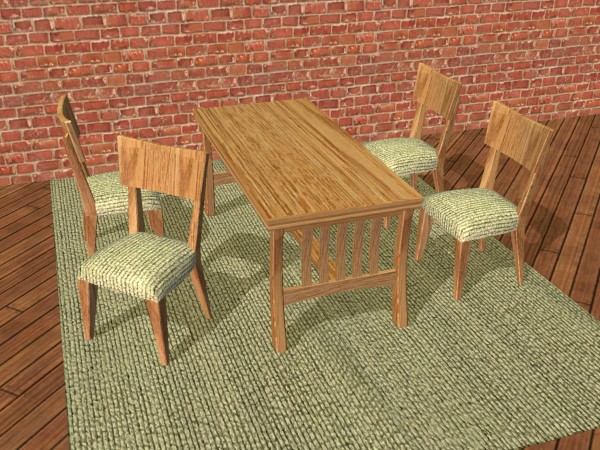
ClicknPsycho_Recolor_Dining.jpg - width=600 height=450
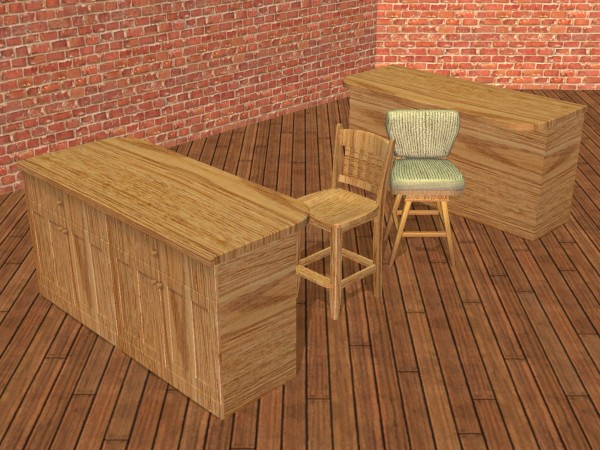
ClicknPsycho_Recolor_Kitchen.jpg - width=600 height=450
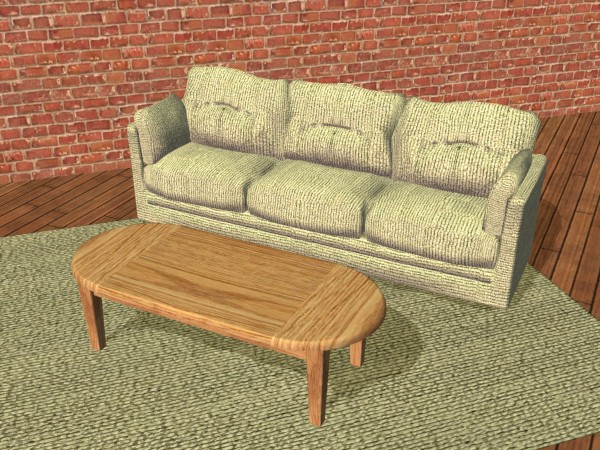
ClicknPsycho_Recolor_Living.jpg - width=600 height=450
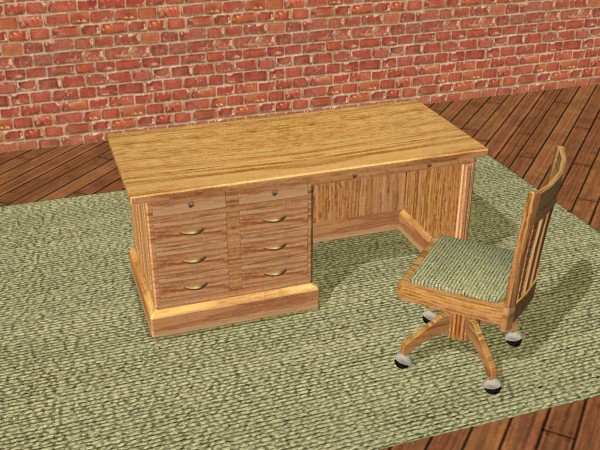
ClicknPsycho_Recolor_Office.jpg - width=600 height=450
Created by ClicknPsycho
Uploaded: 24th Aug 2008 at 5:09 PM
Updated: 4th Mar 2009 at 5:17 PM - Many, my camera options were changed by my daughter.
Updated: 4th Mar 2009 at 5:17 PM - Many, my camera options were changed by my daughter.
I really like this wood texture, so I went overboard.
I've been practicing recolors & the evolution is coming slowly, but I think most of these are OK.
I hope you like!
Thanx to SimPE & CEP Designers
Recolors of items:
Counter Productive Work Surface_Base Game
Durable Value Sofa_Base Game
Epikouros Sleek Cuisine Island_Base Game
Luxiary Ample King Dining Table_Base Game
Oaktowne East Side Dining Chair_Base Game
Regulars Only Barstool_Base Game
Scraps Ranch CafeMate Coffee Table_Base Game
The Sumptuous Brasserie Barstool_Nightlife
Weirdness is the Art Rug_Glamour Life Stuff
Outside the Box Chair by Imad Ethis_Freetime?(not in the database)
I've been practicing recolors & the evolution is coming slowly, but I think most of these are OK.
I hope you like!
Thanx to SimPE & CEP Designers
Recolors of items:
Counter Productive Work Surface_Base Game
Durable Value Sofa_Base Game
Epikouros Sleek Cuisine Island_Base Game
Luxiary Ample King Dining Table_Base Game
Oaktowne East Side Dining Chair_Base Game
Regulars Only Barstool_Base Game
Scraps Ranch CafeMate Coffee Table_Base Game
The Sumptuous Brasserie Barstool_Nightlife
Weirdness is the Art Rug_Glamour Life Stuff
Outside the Box Chair by Imad Ethis_Freetime?(not in the database)
This is a Maxis Recolour which means that it is a recolour of an item that already exists in your game. Please check the Pack requirements to see which game pack it recolours.
This custom content if it is not clothing, may require a seperate download to work properly. This is available at Colour Enable Package (CEP) by Numenor.
| Filename | Size | Downloads | Date | |||||
|
Light Wood & Grey Weave.rar
Size: 1.01 MB · Downloads: 498 · 24th Aug 2008 |
1.01 MB | 498 | 24th Aug 2008 | |||||
| For a detailed look at individual files, see the Information tab. | ||||||||
Key:
- - File was updated after upload was posted
Install Instructions
Basic Download and Install Instructions:
1. Download: Click the download link to save the .rar or .zip file(s) to your computer.
2. Extract the zip, rar, or 7z file
3. Place in Downloads Folder: Cut and paste the .package file(s) into your Downloads folder:
Need more information?
1. Download: Click the download link to save the .rar or .zip file(s) to your computer.
2. Extract the zip, rar, or 7z file
3. Place in Downloads Folder: Cut and paste the .package file(s) into your Downloads folder:
- Origin (Ultimate Collection): Users\(Current User Account)\Documents\EA Games\The Sims™ 2 Ultimate Collection\Downloads\
- Non-Origin, Windows Vista/7/8/10: Users\(Current User Account)\Documents\EA Games\The Sims 2\Downloads\
- Non-Origin, Windows XP: Documents and Settings\(Current User Account)\My Documents\EA Games\The Sims 2\Downloads\
- Mac: Users\(Current User Account)\Documents\EA Games\The Sims 2\Downloads
- Mac x64:
/Library/Containers/com.aspyr.sims2.appstore/Data/Library/Application Support/Aspyr/The Sims 2/Downloads
Need more information?
- For a full, complete guide to downloading complete with pictures and more information, see: Game Help: Downloading for Fracking Idiots.
- Custom content not showing up in the game? See: Game Help: Getting Custom Content to Show Up.
- If you don't have a Downloads folder, just make one. See instructions at: Game Help: No Downloads Folder.
Also Thanked - Users who thanked this download also thanked:
Packs Needed
| Base Game | |
|---|---|
 | Sims 2 |
| Expansion Pack | |
|---|---|
 | Nightlife |
 | Free Time |
| Stuff Pack | |
|---|---|
 | Glamour Life |
ClicknPsychos Stuffs
Always a big thank you to all that contribute to MTS. The real Resource.
More Downloads BETA
Here are some more of my downloads: