
 Sign in to Mod The Sims
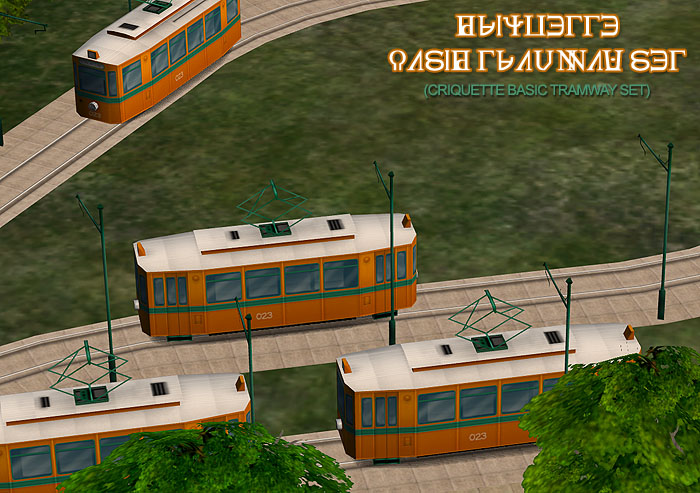
 Basic Tramway Set
 Basic Tramway Set
MTS has all free content, all the time. Donate to help keep it running.
SCREENSHOTS

tram_ig_001.jpg - width=700 height=516
tram_ig_002.jpg - width=700 height=471
tram_ig_003.jpg - width=700 height=435
tram_inside.jpg - width=700 height=432
tram_title.jpg - width=700 height=493
Picked Upload!
This is a picked upload! It showcases some of the best talent and creativity available on MTS and in the community.


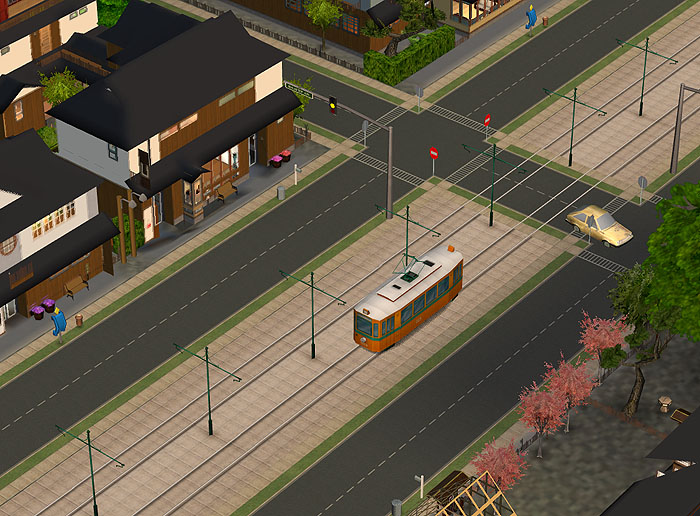
This simple set gives you anoter option in decorating your hoods.
Now using these custom hood decorations, you can add a tramline to your town, or community, or whatever!
Important:
As the Decorative Road Pieces Set, this tramway set is mostly for advanced simmers, with some kind of experience on making custom neighborhoods and using of neighborhood camera modds.
If you don’t have enough info about all this stuff, I recommend you to check the MTS2 tutorials.
Each object of this set can be placed over the road and also over the lot.
It is highly recommended to have a Free Time EP installed, to be able to edit exiting terrain, for better use of this set. Because of it was created for totally flat terrain, it may look bad on any kind of hills, mountains and terrain slopes – please keep this in mind when you will work on a decorative tramway in your neighborhood.
You will also need a lot of patience and some experience during tramline construction, since there is no snapping to grid in neighborhood mode and the length of tramline piece is about one ‘hood tile.
Installation:
Just put all the files from the zip to your S2 downloads folder.
All the elements will appear in ‘Misc’ submenu of Neighborhood decorations.
Enjoy!
Polygon Counts:
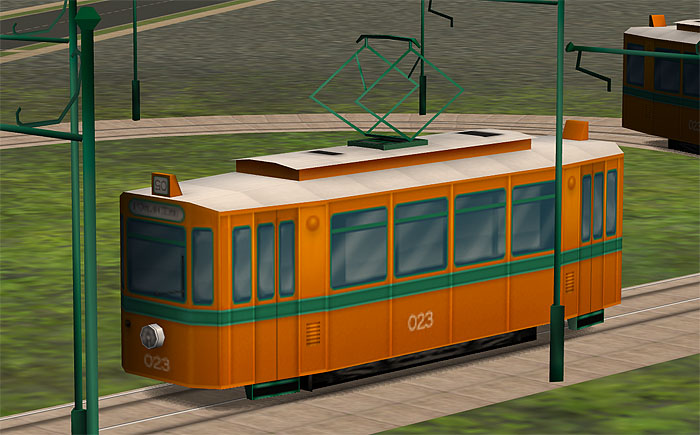
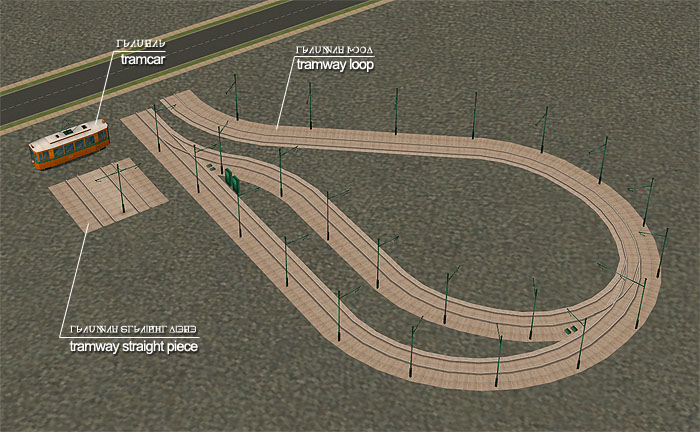
Tramcar: 364
Tramway piece: 296
Tramway loop: 4265
Additional Credits:
As allways BIG thanks to the community!
| Filename | Size | Downloads | Date | |||||
|
crqtt_tramway_set.zip
Size: 520.4 KB · Downloads: 39,935 · 5th Sep 2008 |
520.4 KB | 39,935 | 5th Sep 2008 | |||||
| For a detailed look at individual files, see the Information tab. | ||||||||
Key:
- - File was updated after upload was posted
Install Instructions
Basic Download and Install Instructions:
1. Download: Click the download link to save the .rar or .zip file(s) to your computer.
2. Extract the zip, rar, or 7z file.
3. Place in Downloads Folder: Cut and paste the .package file(s) into your Downloads folder:
1. Download: Click the download link to save the .rar or .zip file(s) to your computer.
2. Extract the zip, rar, or 7z file.
3. Place in Downloads Folder: Cut and paste the .package file(s) into your Downloads folder:
- Origin (Ultimate Collection): Users\(Current User Account)\Documents\EA Games\The Sims™ 2 Ultimate Collection\Downloads\
- Non-Origin, Windows Vista/7/8/10: Users\(Current User Account)\Documents\EA Games\The Sims 2\Downloads\
- Non-Origin, Windows XP: Documents and Settings\(Current User Account)\My Documents\EA Games\The Sims 2\Downloads\
- Mac: Users\(Current User Account)\Documents\EA Games\The Sims 2\Downloads
- Mac x64: /Library/Containers/com.aspyr.sims2.appstore/Data/Library/Application Support/Aspyr/The Sims 2/Downloads
- For a full, complete guide to downloading complete with pictures and more information, see: Game Help: Downloading for Fracking Idiots.
- Custom content not showing up in the game? See: Game Help: Getting Custom Content to Show Up.
- If you don't have a Downloads folder, just make one. See instructions at: Game Help: No Downloads Folder.
Also Thanked - Users who thanked this download also thanked:
Packs Needed
| Base Game | |
|---|---|
 | Sims 2 |
| Expansion Pack | |
|---|---|
 | University |
 | Nightlife |
About Me
Use it as you like, just don't upload anywhere else ;}
More Downloads BETA
Here are some more of my downloads: